Getting Started
Overview
LUML is an open-source cloud-agnostic AIOps platform. It covers the full ML project lifecycle, including experiment tracking, model versioning, one-click model deployment, and post-deployment monitoring.
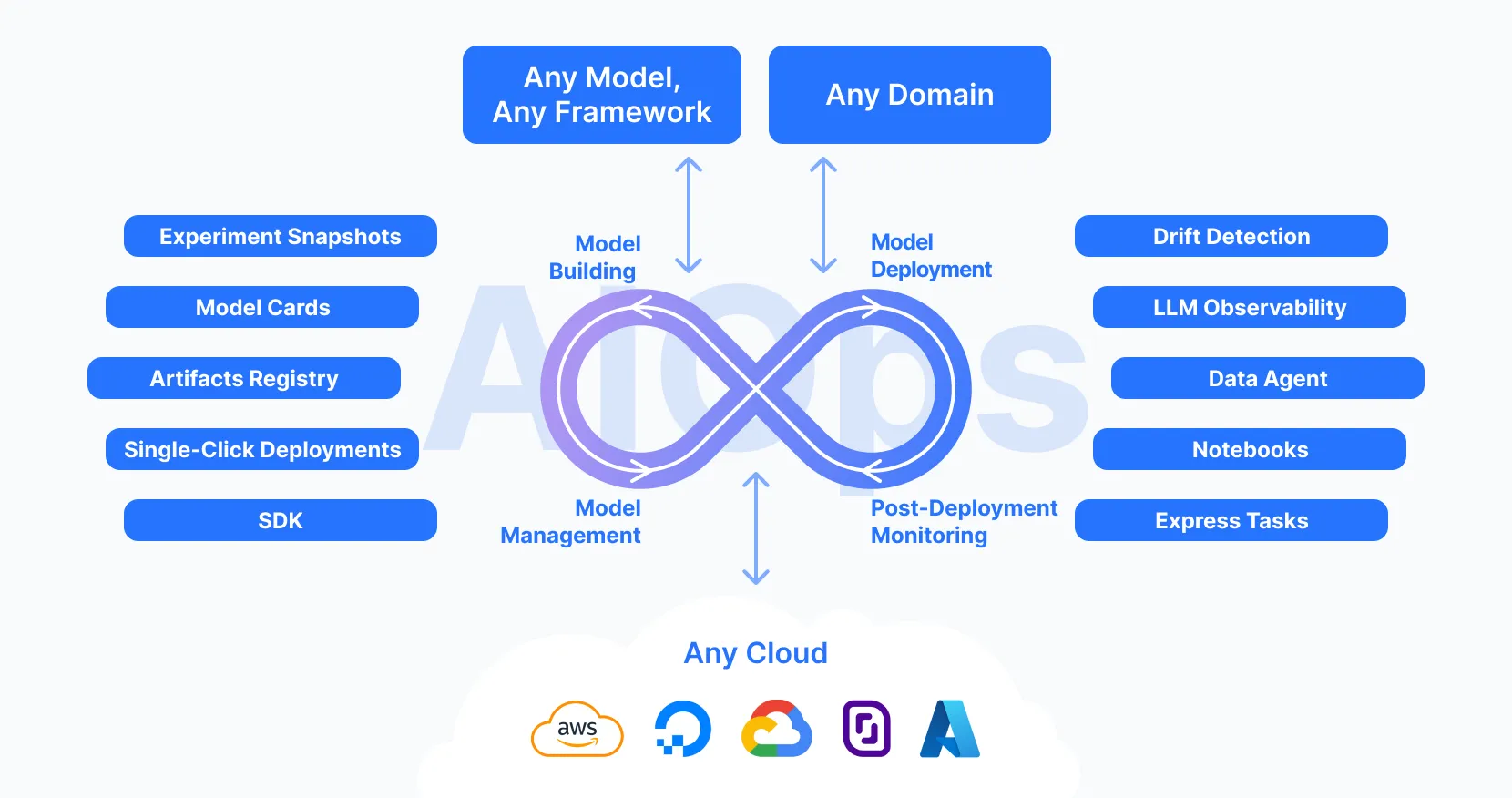
Explore the core LUML modules:
Registry
Discover the Registry structure and features in LUML
ExploreExperiment Tracking
Log metrics, parameters, and artifacts to track ML experiments
ExploreModel Deployment
Learn how to deploy a model in a few clicks!
ExploreIf you are new to the platform, the quickest way to get started is to first create a model using the auto-ML module (Express Tasks). You can then use this trained model to explore more advanced functionalities. Please follow the guide below to train the model just in several clicks:
- Navigate to the main page of the platform.
- Choose an available task, for example Tabular Classification.
- Select the built-in Sample Dataset for model training.
- Once selected, you can check out the uploaded file and make any changes if needed. Click Train.
- Upon completion, you will see a dashboard with the model's performance metrics.
- You can download the model (in an open-source format) by clicking the Export button.
Congratulations! You have successfully trained your first model on the LUML platform. While this is the simplest method to obtain a trained model (we also support more advanced workflows via Notebooks and Python SDK), it is the quickest way to get ready for exploring further modules, such as the Registry and model deployments.