How To Connect A Satellite
A Satellite is a compute node you host yourself that executes models and serves inference requests. Before you can deploy, at least one Satellite must be connected to the Orbit. This guide walks through registering the Satellite in Luml and launching the agent on the host machine.
Register the Satellite in Luml
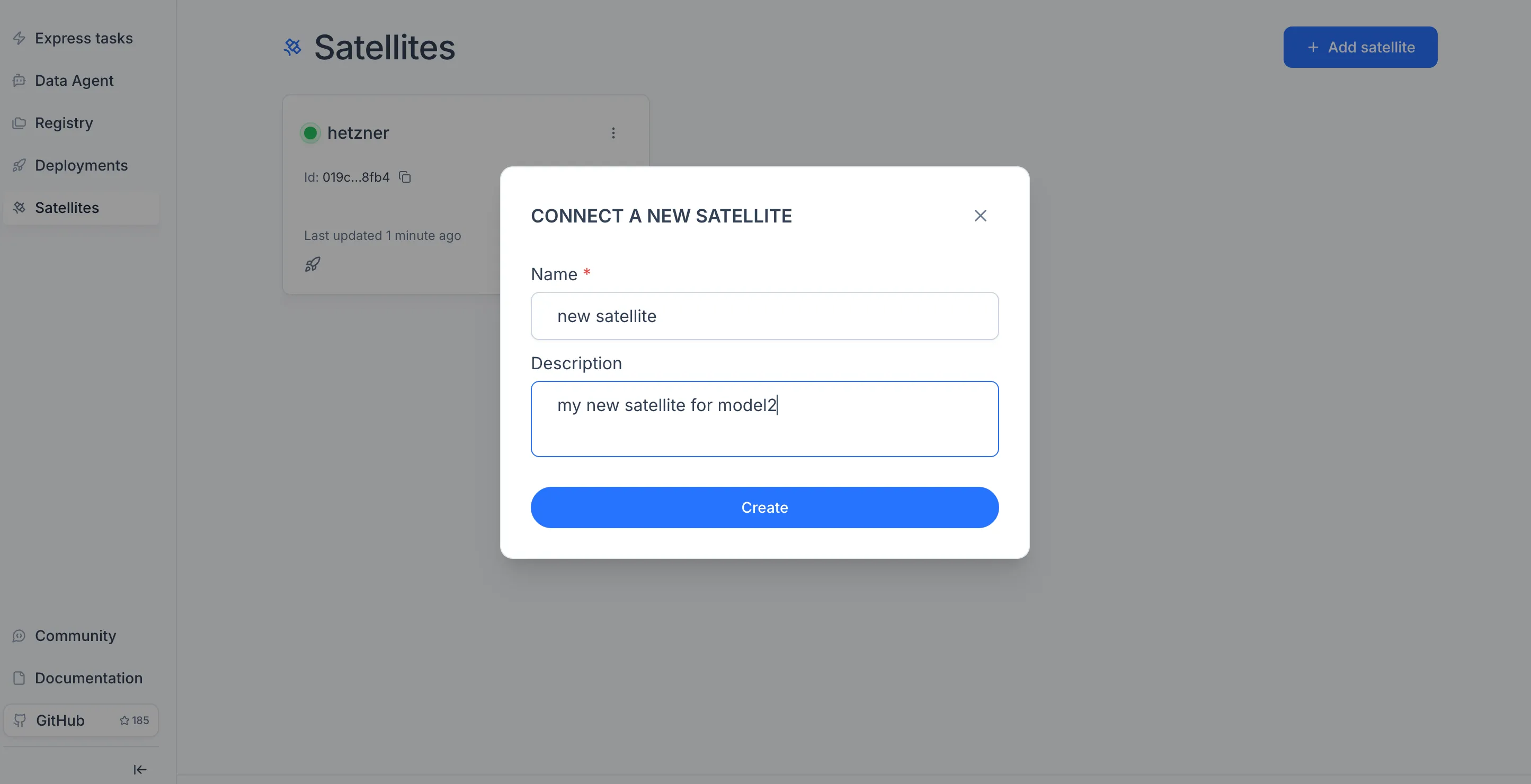
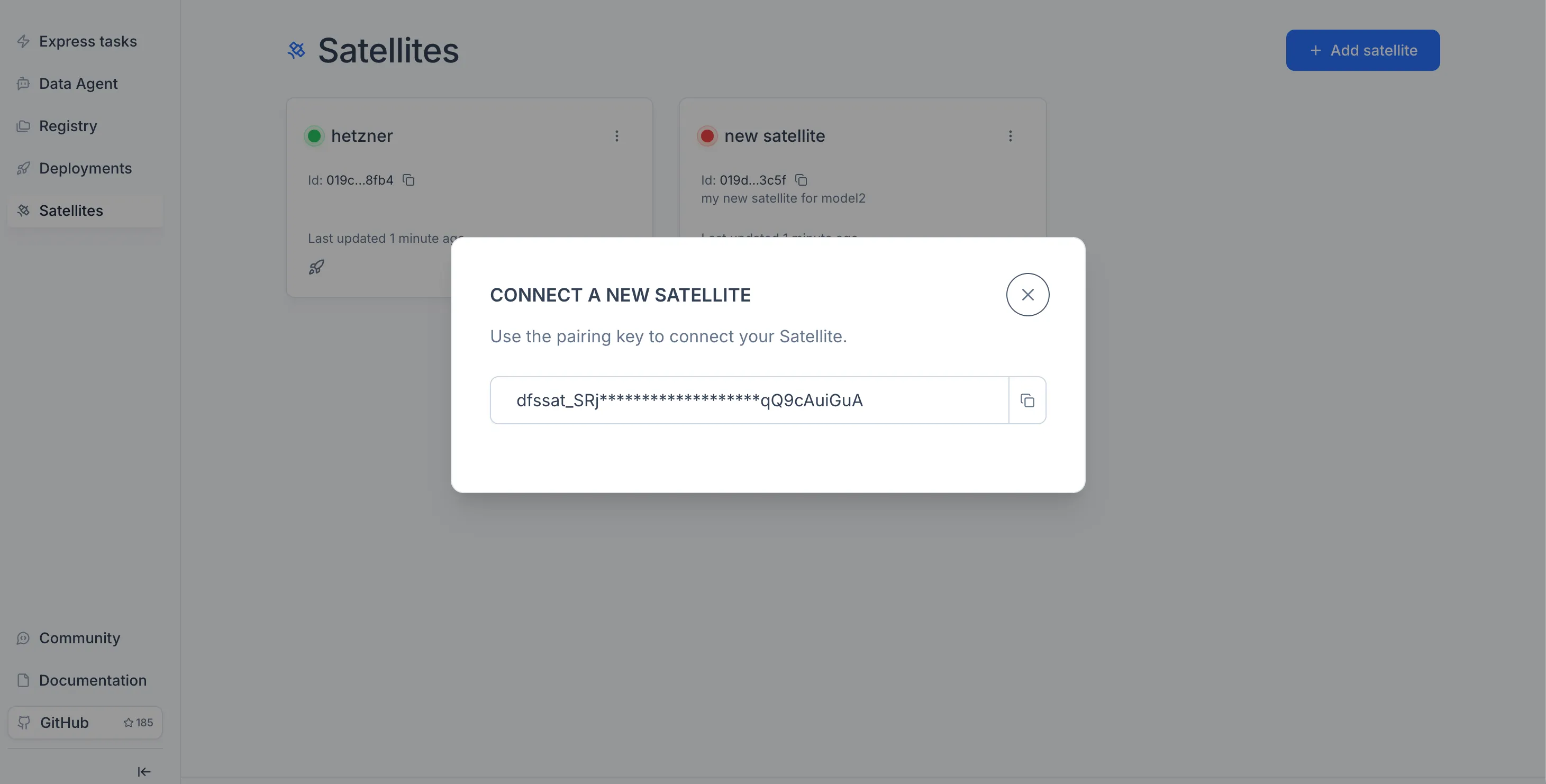
Open the Satellites module in the sidebar and click Create Satellite. Give it a name, fill in the required fields, and copy the Token the platform generates — you will need it to pair the Satellite with Luml.
Launch the Satellite Agent
Once you have the token, install and launch the Satellite agent on the machine you want to use as a compute node. The agent ships as a public Docker image on GitHub Container Registry — see the package page — and is configured through a docker-compose.yml and an .env file.
1. Create a working directory on the host machine:
mkdir luml-satellite && cd luml-satellite
2. Create docker-compose.yml with the following content:
name: satellite

networks:
  satellite-network:
    driver: bridge

services:
  agent:
    image: ghcr.io/luml-ai/luml-satellite-agent:v0.1.0
    networks:
      - satellite-network
    environment:
      SATELLITE_TOKEN: ${SATELLITE_TOKEN:?Set SATELLITE_TOKEN in .env}
      PLATFORM_URL: ${PLATFORM_URL:-https://api.luml.ai}
      BASE_URL: ${BASE_URL:-http://localhost}
      MODEL_IMAGE: ${MODEL_IMAGE:-ghcr.io/luml-ai/luml-model-server:v0.1.0}
      POLL_INTERVAL_SEC: ${POLL_INTERVAL_SEC:-120}
    volumes:
      - /var/run/docker.sock:/var/run/docker.sock
    user: "0:0"
    extra_hosts:
      - "host.docker.internal:host-gateway"
    ports:
      - "80:8000"
    restart: unless-stopped
    depends_on:
      - model-server

  model-server:
    image: ghcr.io/luml-ai/luml-model-server:v0.1.0
    platform: linux/amd64
    command: ["true"]
The top-level name: satellite pins the Compose project name, so the network and containers are prefixed with satellite_ regardless of what the working directory is called.
3. Create .env in the same directory and paste the token from the previous step into SATELLITE_TOKEN:
# Required: token issued by the platform
SATELLITE_TOKEN=replace-with-your-token

# Public base URL of the Satellite (used to report inference endpoints)
BASE_URL=http://localhost
SATELLITE_TOKEN is the only required variable. Set BASE_URL to the address other services should use to reach the Satellite — defaults to http://localhost.
4. Launch the agent:
docker compose up -d
Compose will pull ghcr.io/luml-ai/luml-satellite-agent and start the container in the background. The agent connects to the platform using the token, registers its capabilities, and begins polling for tasks. To confirm it is online, return to the Satellites module in Luml — the Satellite's status should switch to Connected.
To check the agent's logs or stop it later:
docker compose logs -f   # follow logs
docker compose down      # stop and remove the container