Repositories
Every workflow or task in Prisma runs against a registered repository. The repository must exist on the local file system and must have been initialized with git init (or cloned from a remote). The remote itself is optional: a purely local repository works the same way as a GitHub clone, since Prisma operates only on the local checkout.
A repository is added from the New Repository dialog, opened from the page header. The form asks for a display name and a path on disk. The path can be picked through the built-in folder browser, which lists subdirectories and indicates which of them are Git repositories.
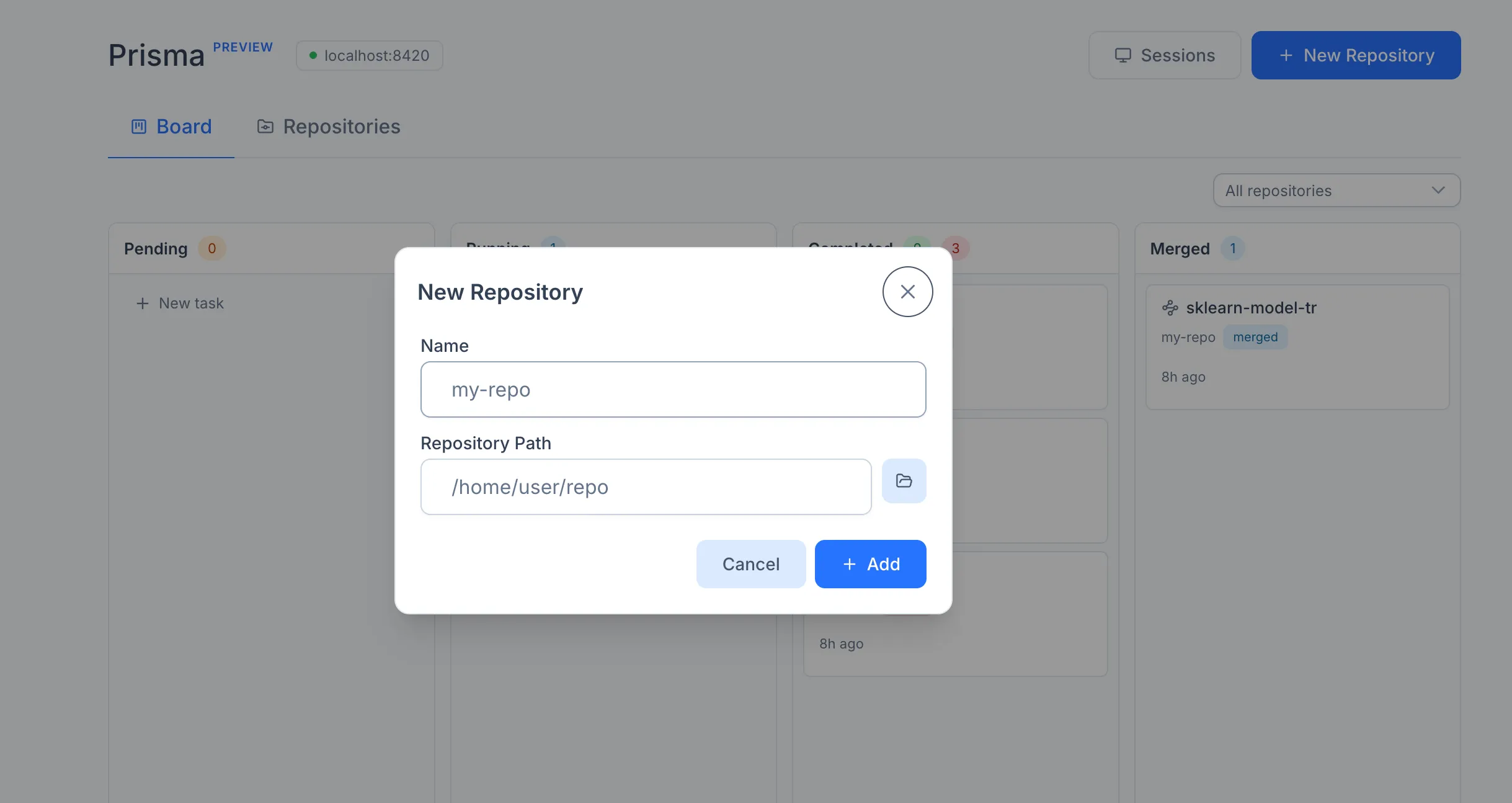
Once added, the repository appears in the Repositories tab. The same tab is used to remove repositories that are no longer in scope. Removing a repository deletes only the registration in Prisma's local database; the underlying files and Git history on disk are untouched.
Both workflows and tasks operate on a base branch within the registered repository. The base branch is selected when creating the workflow or task; any branch in the repository can be used. Branches created by Prisma itself are prefixed with prisma/ and hidden by default in the branch dropdown, but they can be made visible via the Show agent branches checkbox in the creation form.