Sessions and Worktrees
Sessions
Prisma keeps a registry of every active terminal session across all tasks and workflows. The Sessions button in the page header opens a dialog that lists each live session along with its session ID, type, process ID, and exit code (if it has finished but not yet been cleaned up).
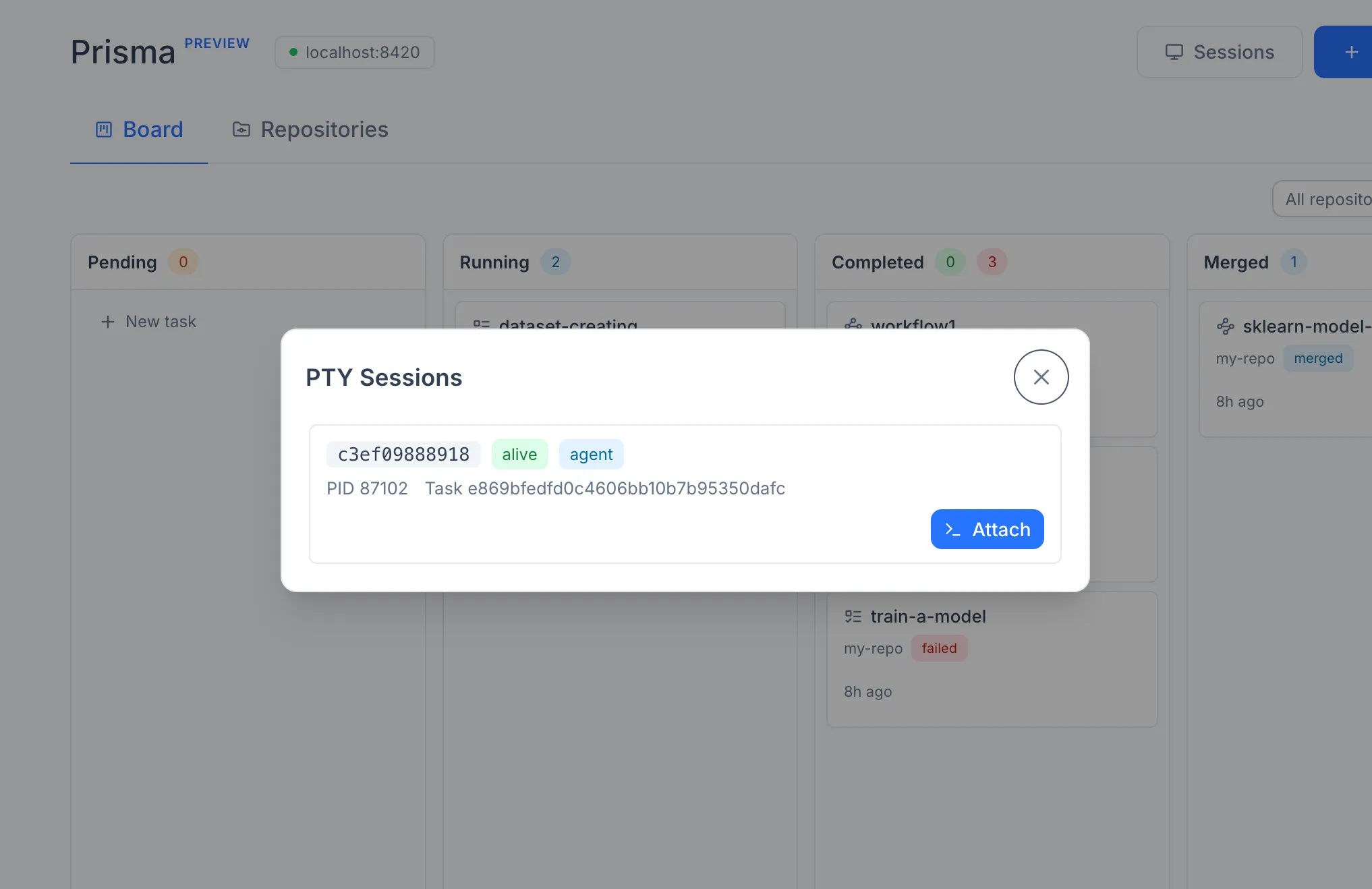
An attach action opens the session in the same in-browser terminal panel used elsewhere in the UI, with full read-write input.
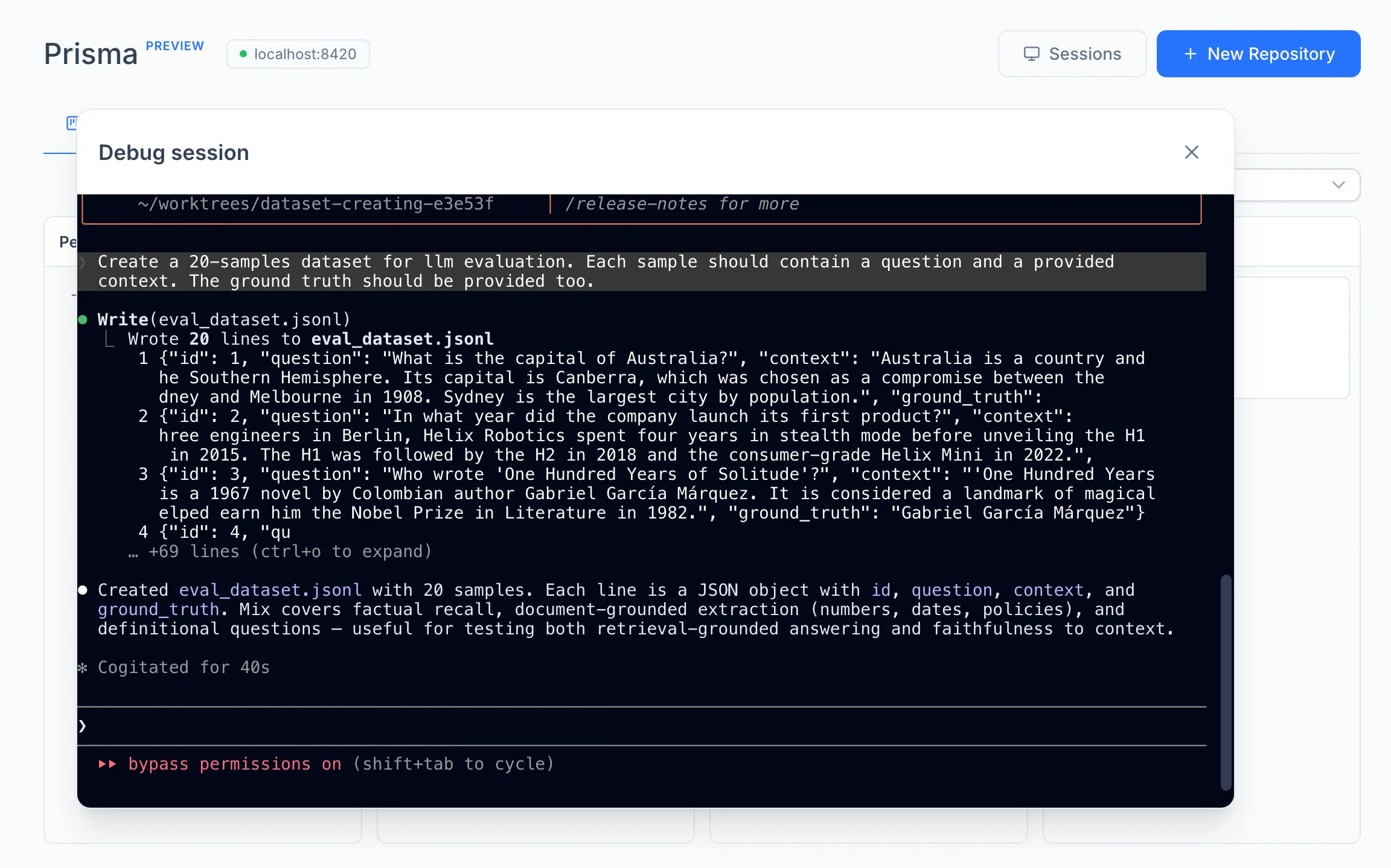
Sessions are owned by the engine, not by the browser. Closing the browser tab does not stop a running agent. As long as the engine process is alive, sessions persist and continue to consume CPU and tokens. To stop a workflow or task, use the Cancel action on the corresponding card or node; closing the browser is not equivalent.
Worktrees
Every agent runs inside a dedicated Git worktree. The worktree is created from the chosen base branch on a new branch named prisma/<slug>-<short-id>. Worktrees are placed in a worktrees/ directory next to the registered repository, so the original working tree of the source repository is never modified by an agent.
Files matching common environment file patterns (.env, .env.local, .env.development, .env.production) are copied from the source repository into a new worktree at creation time, so secrets that are deliberately gitignored remain available to the agent. A configurable list of shared paths is symlinked rather than copied; this is intended for large data directories that should not be duplicated per worktree.
A task uses a single worktree for its entire lifetime. The agent edits, commits, and is eventually merged from that one branch.
A workflow uses one worktree per Implement node. Each Implement node forks from its parent's branch, so the tree of nodes corresponds one-to-one to a tree of branches. When a workflow is merged, only the best node's branch is integrated into the base branch; the remaining worktrees and branches stay in place and can be inspected, compared, or merged manually.